

Enter
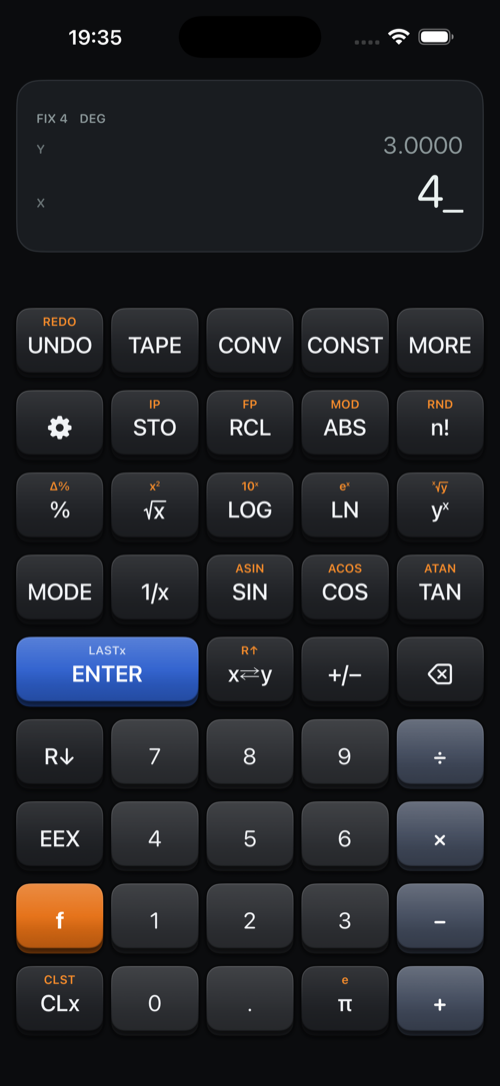
A Reverse Polish Notation calculator with a true four-level stack — for people who think in RPN and are tired of hunting for the equals key.
No parentheses. No equals.
Type a number, press ENTER, type another, press the operation. The answer is already there. Here is (3 + 4) × 5:
| 3 ENTER | 3 goes onto the stack |
| 4 + | 7 |
| 5 × | 35 |
Six keystrokes, no brackets to balance, and every intermediate result visible on the way past. That is the whole idea.
What is in it
A true four-level stack
X, Y, Z and T, with T replicating as the stack drops — so a constant stays where you put it and repeated operations simply work. LAST x brings back the argument the previous function consumed.
The functions
Powers, roots and reciprocals. Trigonometry with its inverses in degrees, radians or gradians. Hyperbolics, logarithms, percent and percent change, modulo, factorial, combinations and permutations, polar and rectangular coordinates.
A financial keyboard
Switch keyboards for the HP-12C's function set: n, i, PV, PMT and FV that store or solve, amortization, cash flows with NPV and IRR, bond price and yield, depreciation, dates, and statistics with linear regression. Part of Enter Pro.
Undo and a paper tape
Fifty levels of undo and redo, covering the stack, the registers and whatever you were part-way through typing. The tape prints every number and every function beside its result — tap a line to lift that value back onto the stack.
Conversions and constants
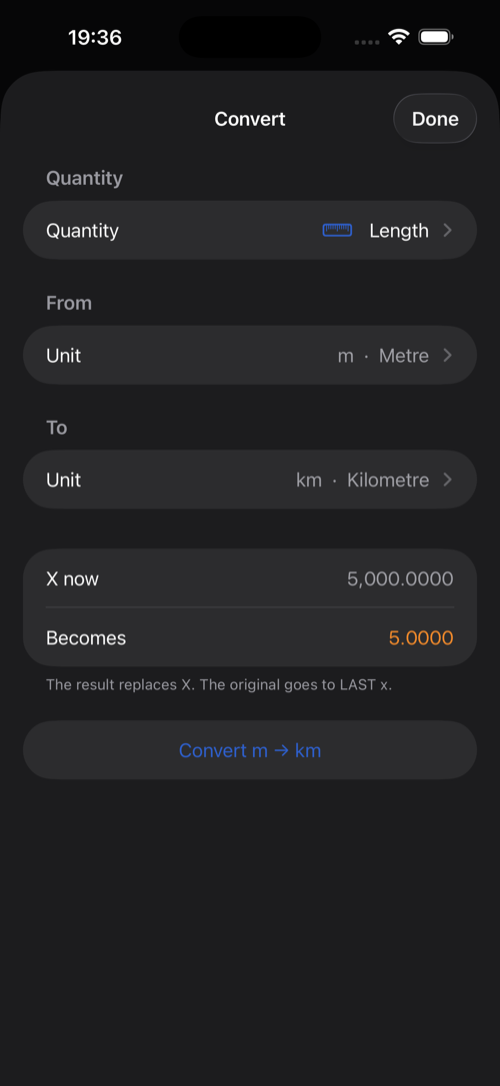
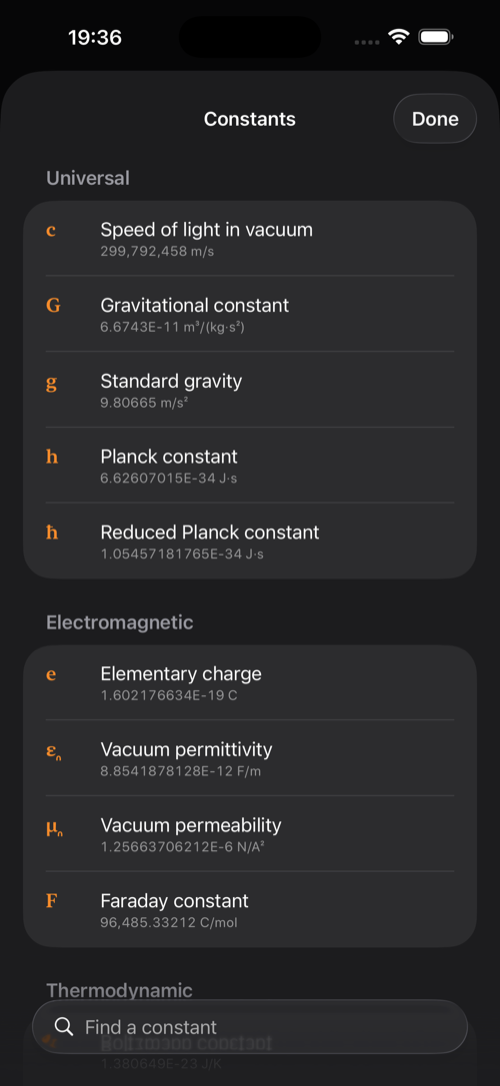
Ten quantities — length, mass, temperature, volume, area, speed, pressure, energy, power and force — with exact factors wherever the definition is exact. Twenty physical and mathematical constants, carried at full precision.
Twelve significant digits
Shown as FIX, SCI, ENG or ALL. Ten numbered storage registers that survive a relaunch, and a two-line display showing Y above X so you always know what the stack is holding.
Nothing leaves your device
No accounts, no analytics, no network code of any kind. The app has never been given permission to talk to anything, because it has nothing to say.
Free, with Enter Pro
The calculator is free: the stack, arithmetic, square roots and squares, reciprocals, percentages, the ten storage registers and undo. Enter Pro is a one-time purchase with no subscription. It adds the scientific functions, the financial keyboard, the paper tape, unit conversions, constants and the extended function list, on every iPhone and Mac signed in to your Apple Account, with Family Sharing. Anyone who bought Enter before it went free has Pro already.
On the iPhone

On the Mac
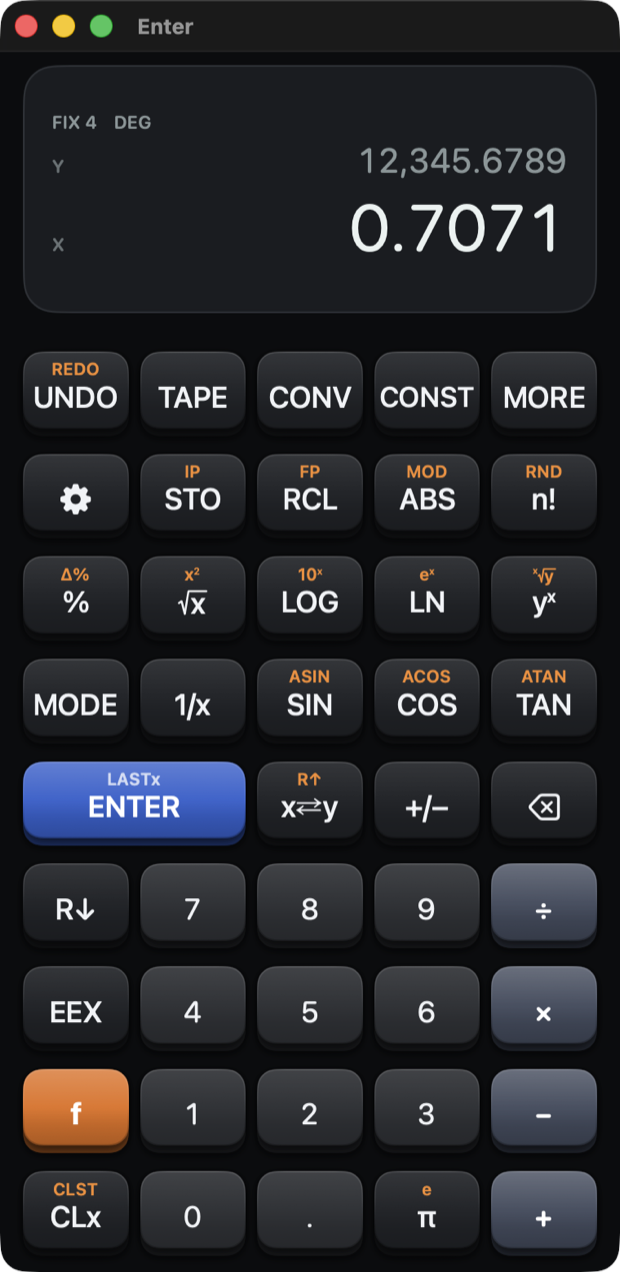
The whole keyboard: digits, operators, Return for ENTER, Esc to clear, letters for the functions — s for sine, l for the natural log, q for the square root.
A menu bar carrying the stack operations, the tools and the display modes with their own shortcuts, so the whole calculator is reachable without lifting your hands off the keys.
It is a real Mac app rather than an iPhone build in a window, and Enter Pro covers both.
Requirements
iPhone running iOS 18 or later, or a Mac running macOS 15 Sequoia or later. The app runs on iPad in iPhone compatibility mode; a dedicated iPad layout is planned.
Questions, bug reports and feature requests are all welcome on the support page.